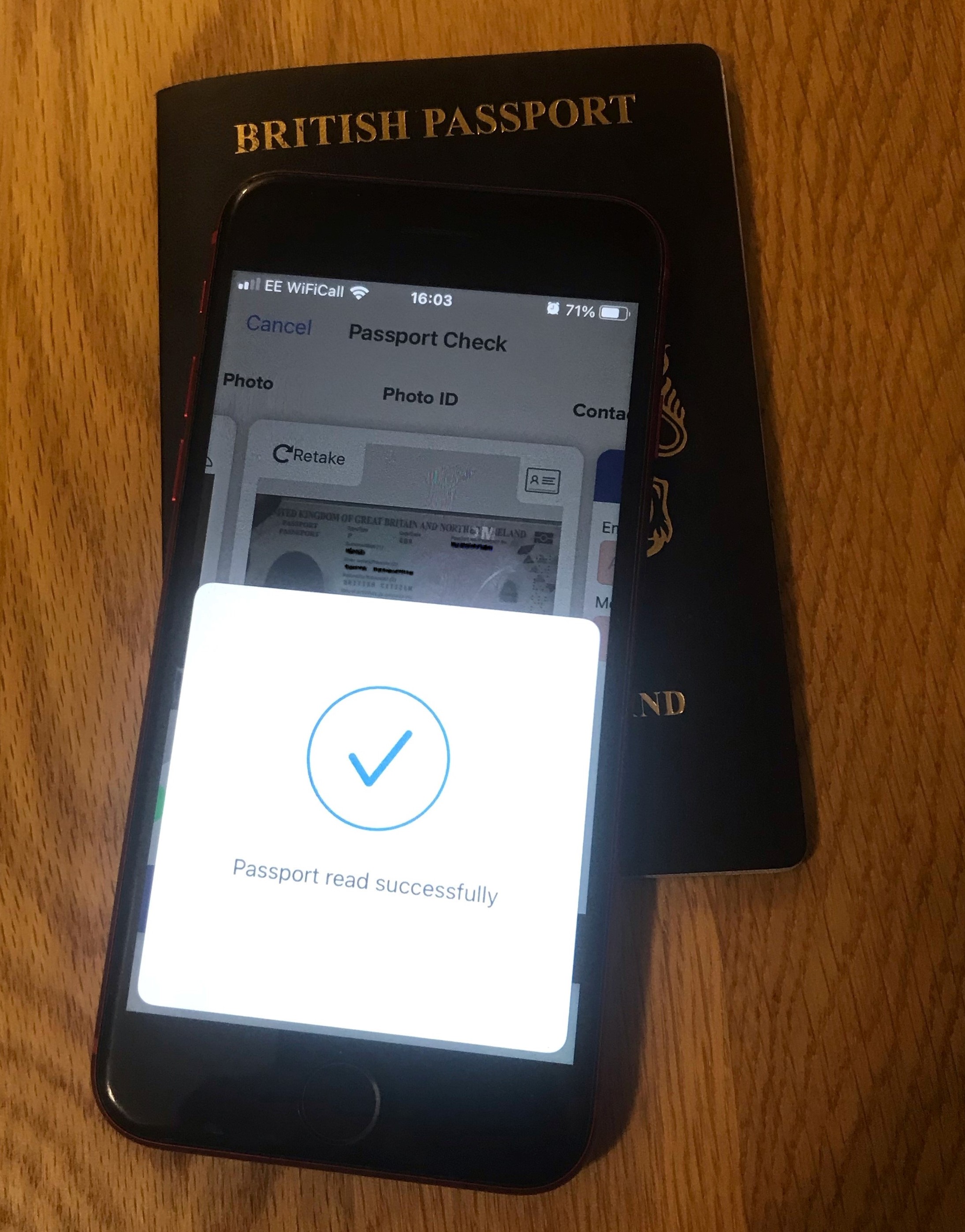
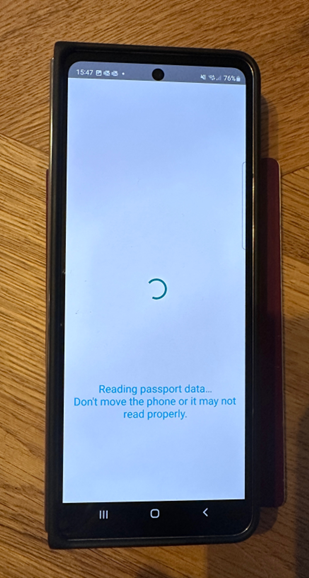
Put your passport on a flat surface.
Place your Phone on the front cover of your passport and move slowly down till the NFC is picked up, then hold still whilst the chip is read.
Spotlite will then read the Passport’s NFC tag and display the results on screen.
You may also need to remove your phone cover - depending on the make/model of your phone, the type of phone cover, or if the cover holds other chipped items such as bank cards. Another suggestion would be to turn your NFC functionality off, and then on again using your phones settings menu.